




Online AI Photo Colorizer
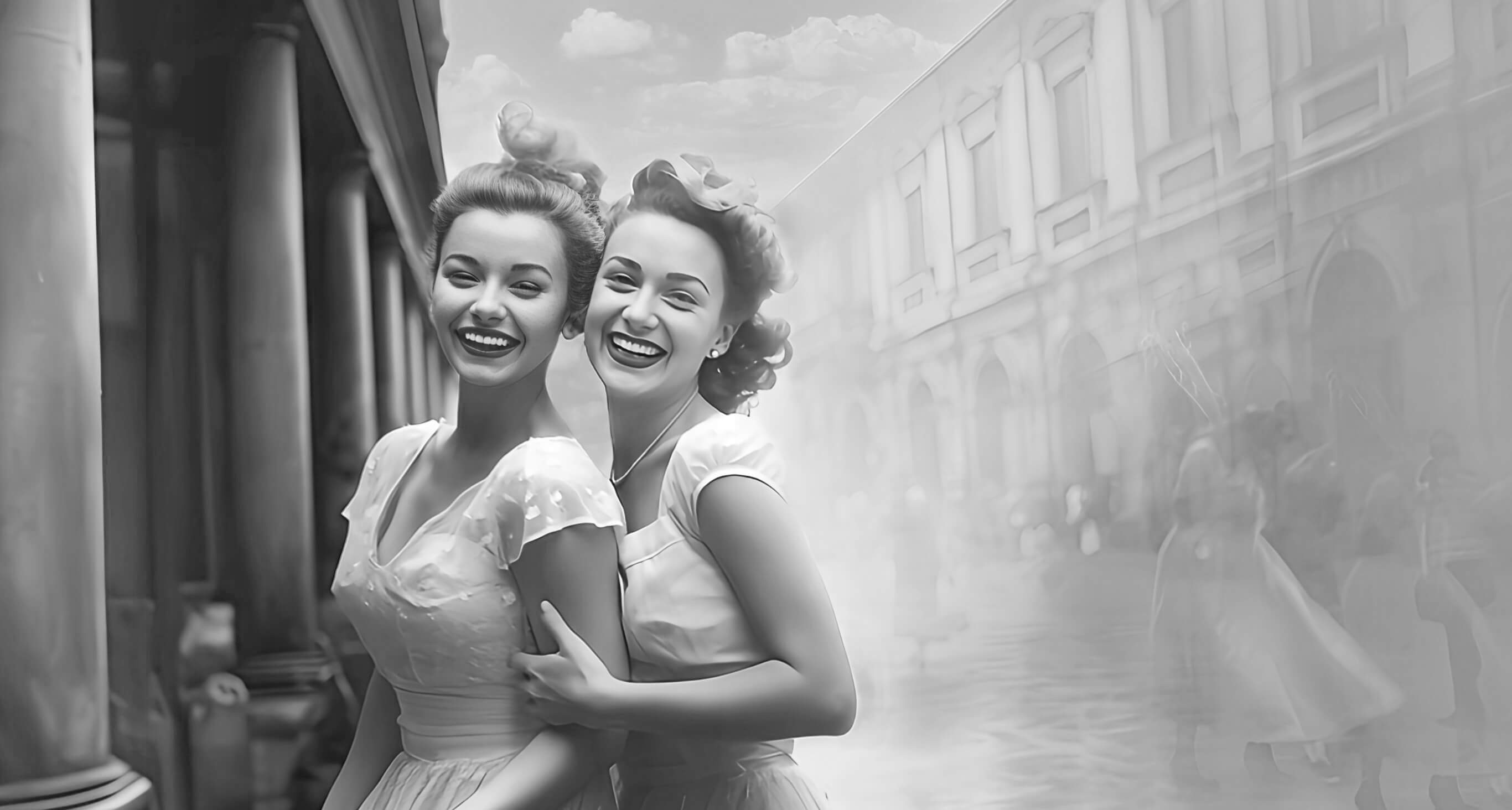
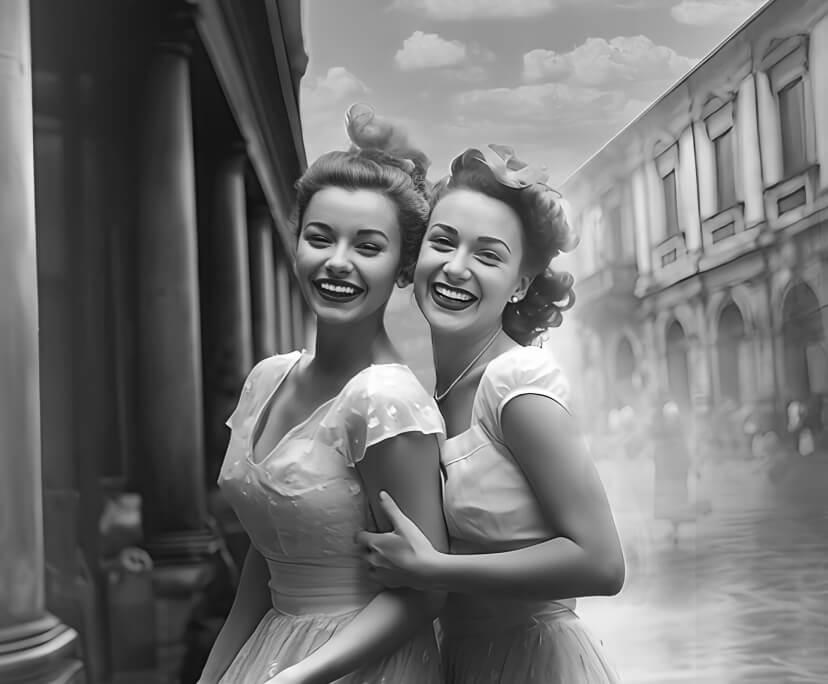
Bring your old photos back to life with AI. Upload black-and-white or vintage portraits and see them come to life with realistic, natural tones. Sign up to get free credits and download without a watermark!





How to Colorize Black and White Photos?
To colorize black and white photos, simply upload your photo to YouCam AI Photo Colorizer. The AI will analyze the image and restore it with vibrant colors, giving your old photos a fresh, colorful look.

Upload Your Photo
Select the black and white photo you want to colorize.

AI-Powered Colorization
Automatic Coloring: Artificial Intelligence will automatically analyze and apply colors to your photos with one click.

Review and Edit
Our AI Colorizer offers color editing options to adjust the results, such as changing the saturation or applying filters.

Save and Download
Save and download your beautifully colorized photo for free.
Bring Your Photos Back to Life with AI Colorization
Turn Black and White Photos into Vivid Color
YouCam AI Colorizer analyzes portraits, backgrounds and objects and adds plausible colors in seconds, for free.
The colors are an AI estimate, not the original colors of the scene.
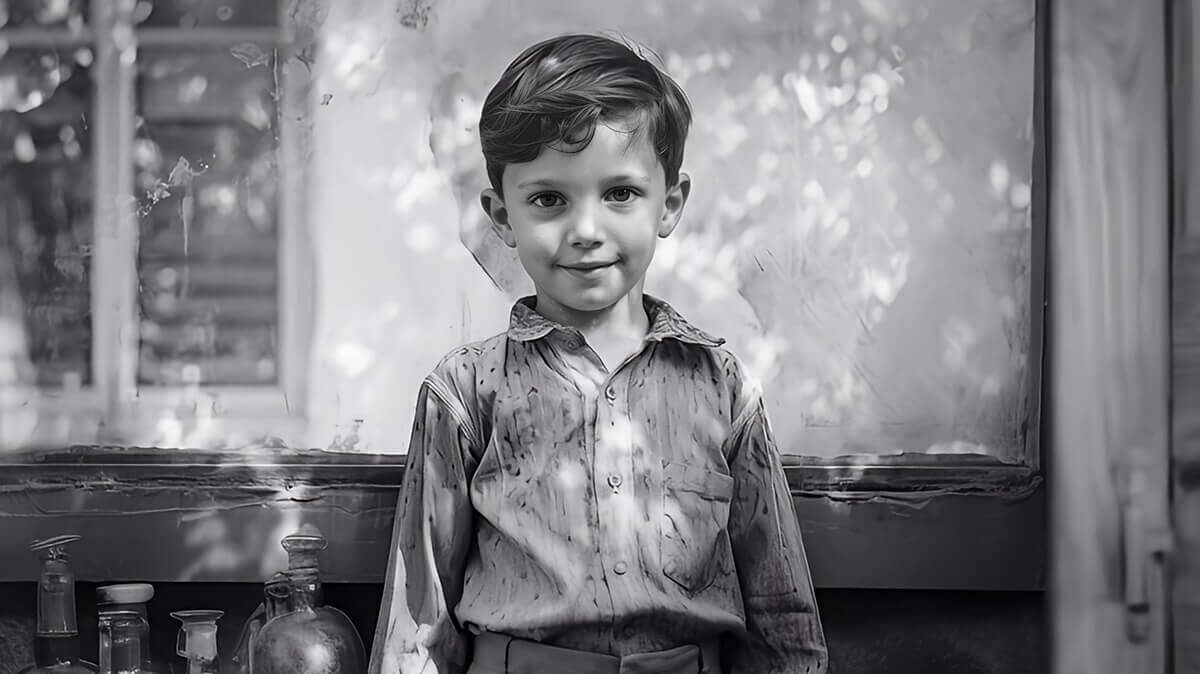
Recolor Vintage or Old Family Photos
Bring wedding photos, childhood snapshots and vintage family portraits to life in color.
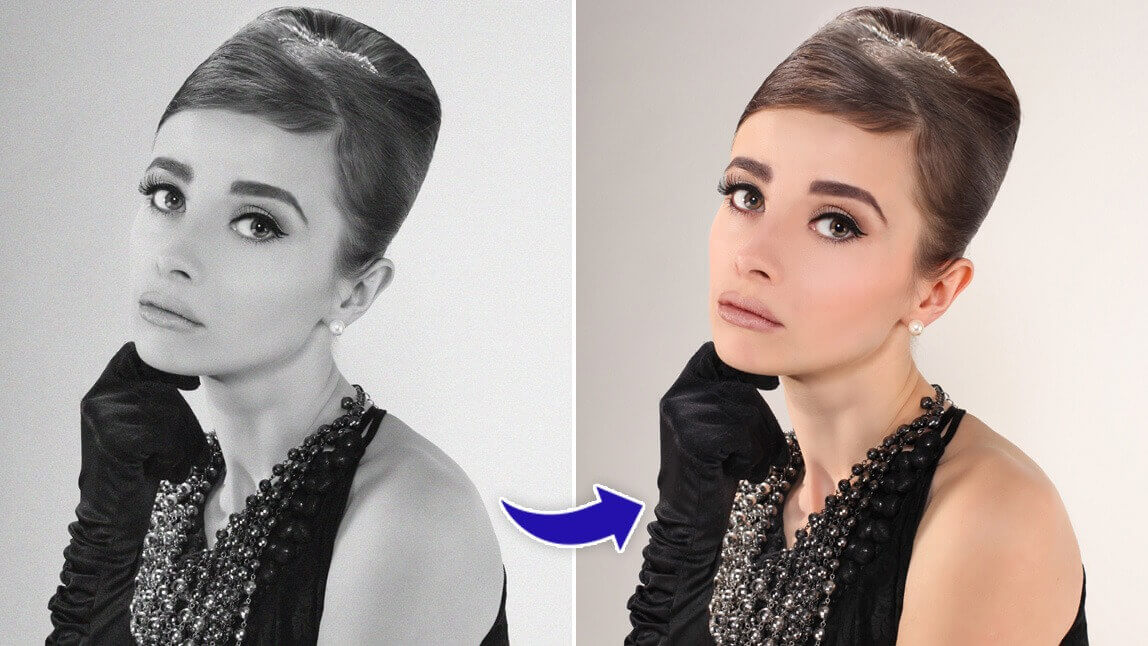
Colorize Old Photos of Celebrities, Yourself, or Historical Images
Curious how old photos of celebrities or historical figures would look in color? Colorize adds natural-looking tones to classic black and white images.
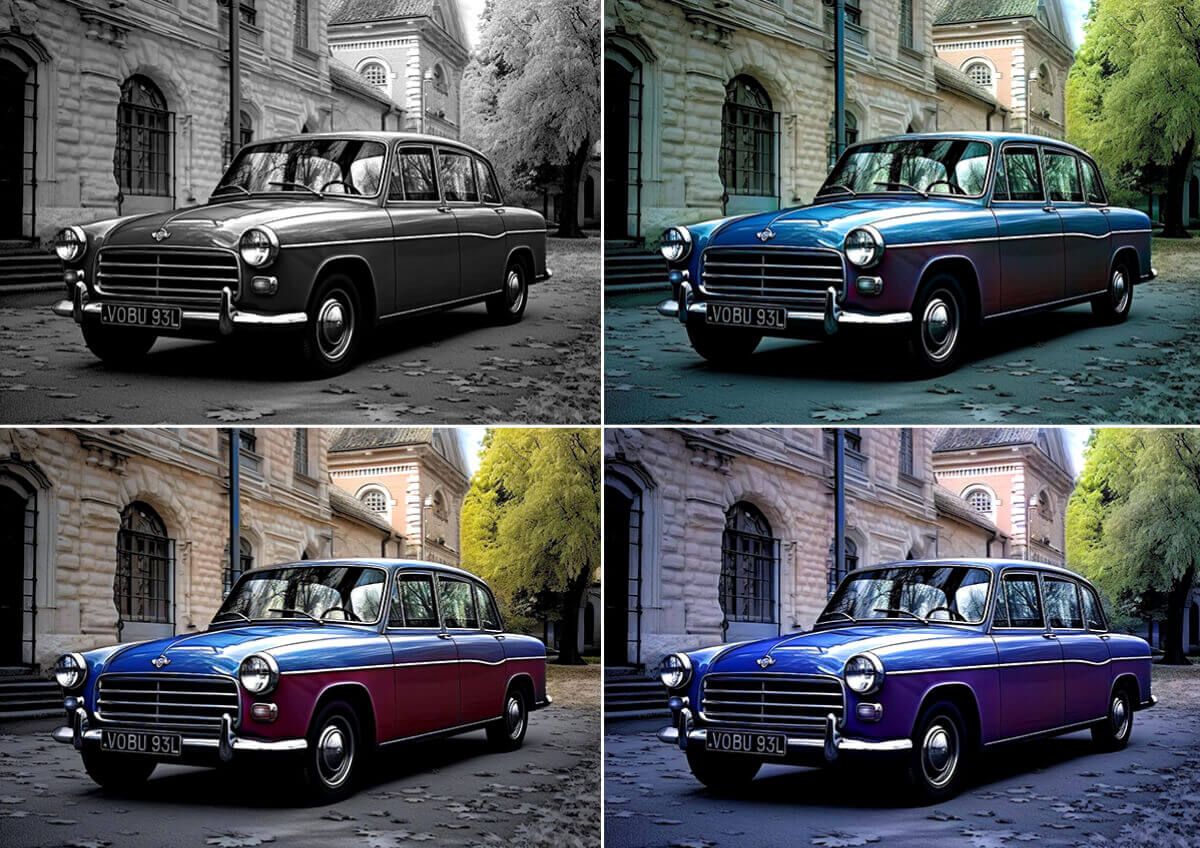
Get 4 AI Colorization Results with One Click!
Generate 4 colorized versions of one photo, from warm to cool tones, with no post-editing needed.
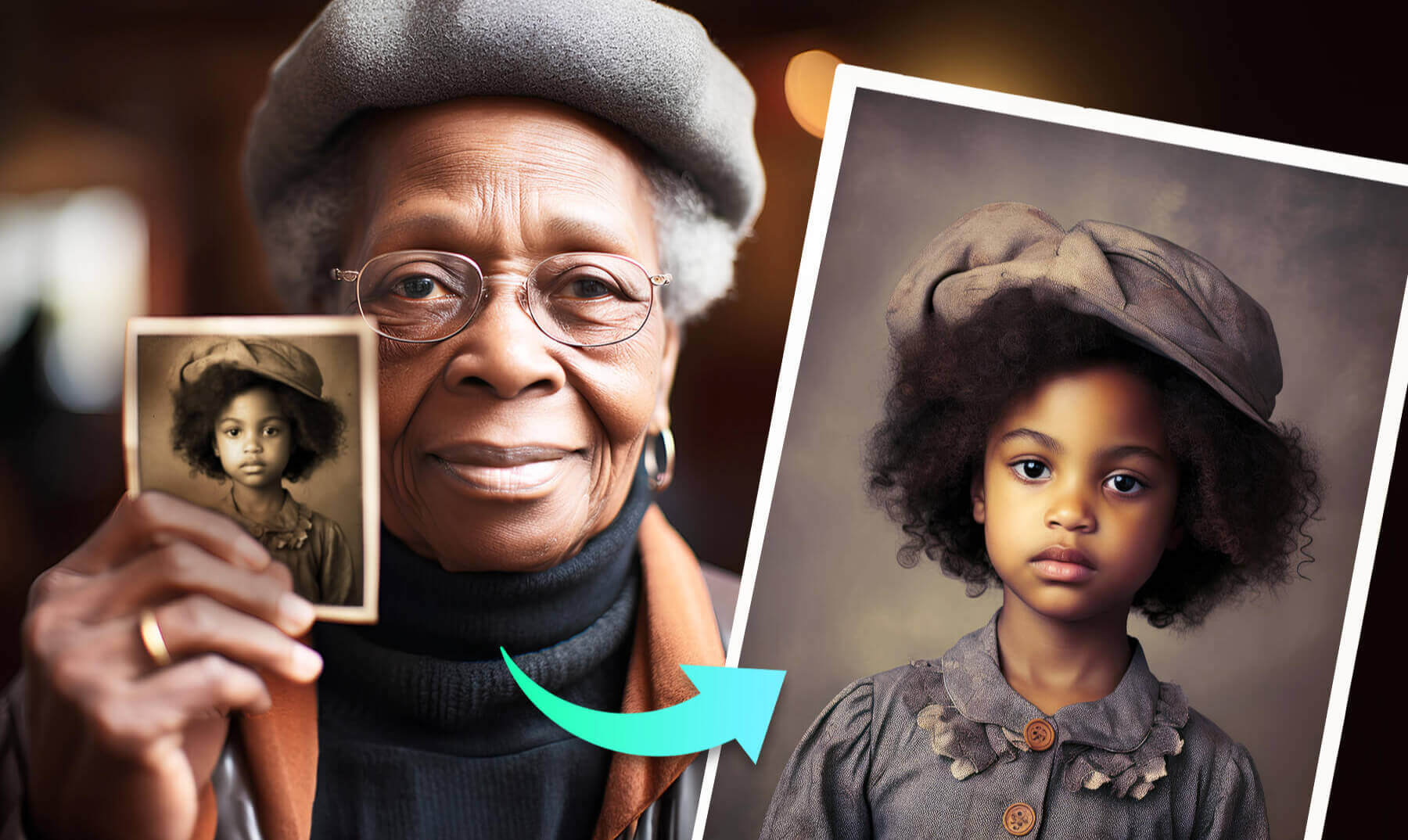
Try Our Childhood Photo Colorizer
What color is your childhood memory? Let AI Photo Colorizer tell you! Whether it's childhood photos or teenage pictures, restore the past look with one click.
Advanced AI for Colorizing, Enhancing & Repairing Photos
Not just Coloring, But Also Repairing
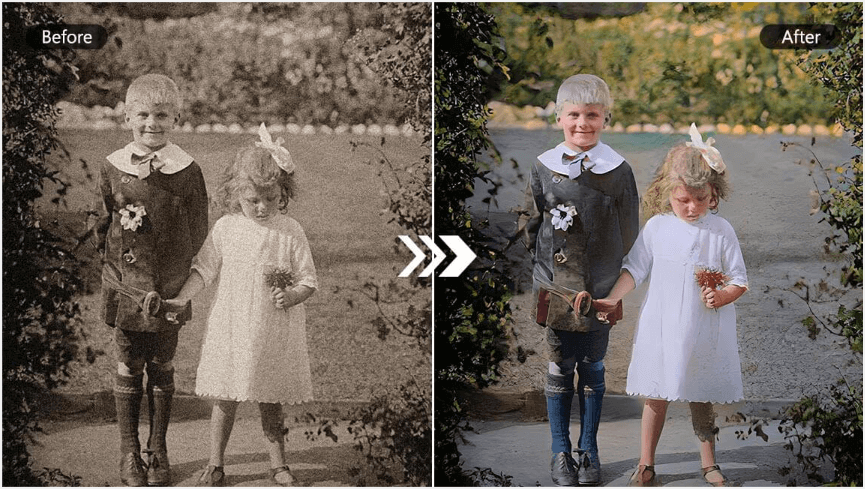
We do more than just add color. From denoising to face restoration — we bring old photos back to life with the best photo restoration feature: Photo Enhance.
With a few simple clicks you can revitalize old photos, repair damage, and restore faded details!
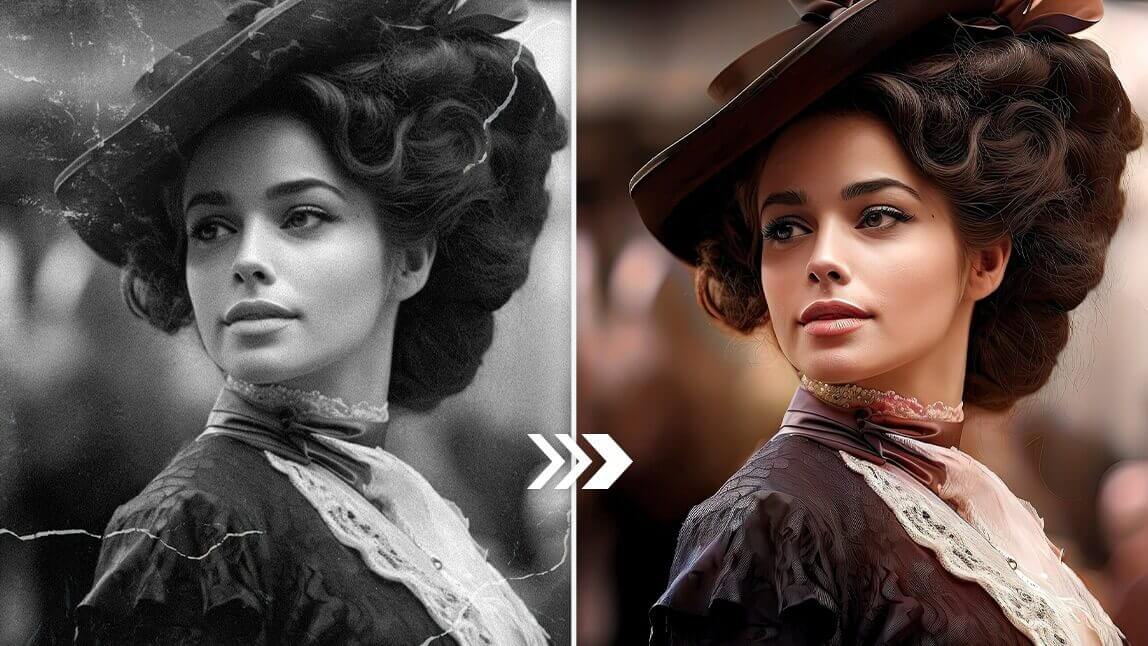
Guaranteed Simple: One-Click Image Restauration
With its intuitive interface, it is perfect for both beginners and professionals. Simply upload your photo and let the app's advanced AI algorithms color and restore your image.
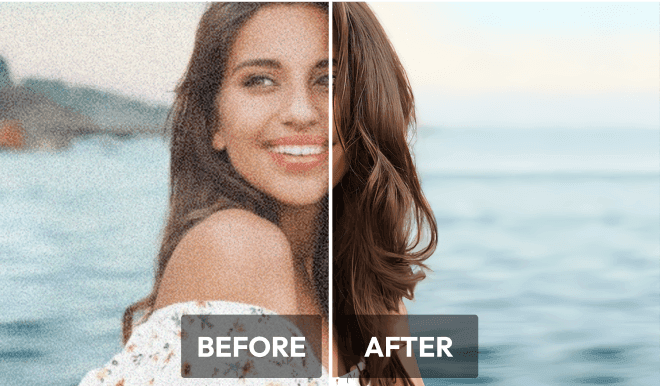
Enhance blurry pictures with AI to improve image clarity and boost resolution, resulting in sharper and more visually appealing images.

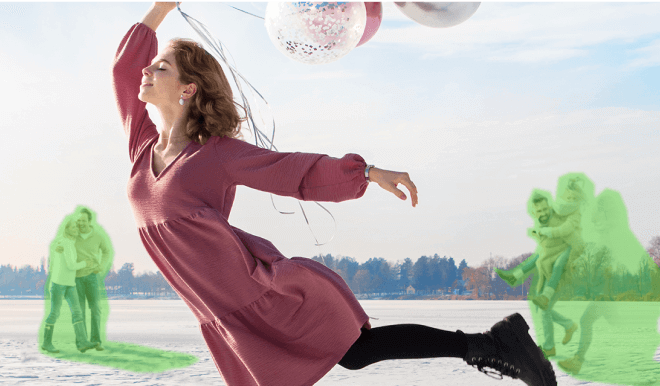
Remove unwanted objects such as buildings, people, watermarks,and logos with precision from your photos while preserving intricate details.
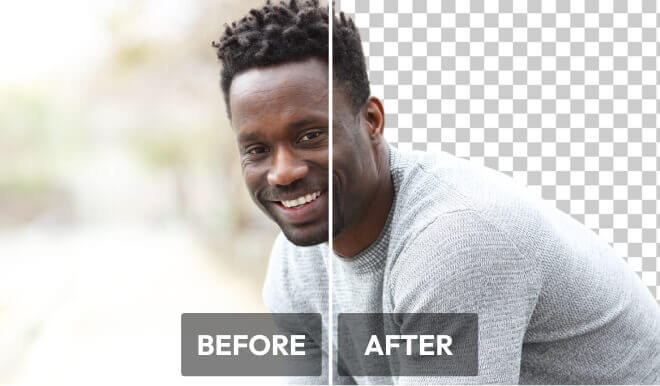
Remove background from photo with impeccable accuracy, ensuring that portraits and objects maintain their high quality and sharpness.
FAQs for Photo Colorizer & Change Black and White Photo to Color
How do you colorize a photo?
Colorizing a photo is easier than you think!
- Visit the free YouCam Online Editor website.
- Upload your photo to the AI Colorizer tool.
- Download your colorized photos!
What is the website for colorizing photos?
The best website for colorizing photos is the web-based YouCam Online Editor! Recolor your black and white photos, simply by uploading them to our free AI Colorizer tool. You don't need any technical skills and it only takes a few seconds.
Can AI colorize photo?
Absolutely! YouCam Online Editor has a fantastic AI colorization feature. With just a few clicks, you can effortlessly bring black and white photos to life. Give it a try and see the magic of AI colorization with the best free online photo colorizer!
What is the best AI colorizer for black and white photos?
YouCam Online Editor is the best AI colorizer for black and white photos. Offering simplicity and quality, it can recolor any of your photos for free—no advanced skills or software required.
What is the best AI tool to colorize old photos?
6 key reasons why the YouCam Online Editor is the best AI tool for colorizing old photos:
- Advanced AI can accurately colorize black and white or sepia-toned images
- User-friendly tools
- No need to download any software
- Try for free
- Produces vibrant, lifelike colors
- Comprehensive suite of photo editing features beyond just colorization
How can I change the color of an existing image?
3 Steps to Change the Color of an Existing Image:
- Go to the YouCam Online Editor website
- Click on "Upload Photo" to select the image you want to edit.
- Once the image is uploaded, adjust the colored filters as desired.
How can I use AI to colorize pictures?
Using AI to colorize pictures is simple, especially with the YouCam Online Editor. Here’s a quick guide on how to do it:
- Visit the YouCam Online Editor website.
- Upload your photo.
- Use the AI colorization feature, which will automatically add color to your photo in seconds.
- If needed, make any adjustments to enhance the colors and details.
- Download your image.
What is the best free photo colorizer?
There are several online photo colorizers, but not all are free. YouCam AI Photo Colorizer stands out as the best free option, letting you colorize black and white photos instantly. With a simple sign-up, you can bring old photos to life with vibrant colors at no cost.
Is there an AI that can colorize images?
Yes, YouCam AI Photo Colorizer is an AI-powered tool that can colorize black and white images. With just a few clicks, it uses advanced AI technology to bring old photos to life with vibrant, realistic colors. It's easy to use and available online for free.
How do I add color to a photo?
- Upload the image you want to color to the YouCam Online Editor's AI Colorizer.
- Wait for the AI to automatically detect and match the colors of the image.
- If you’re not satisfied, use the editing tools to fine-tune the colors.
- Download and share.

Colorize, Restore and Retouch Images with the YouCam Enhance App!
Transform your black and white photos into colorful masterpieces anytime, anywhere.